![GU_Logo_Secondary_Color-3.png]](https://support.goodunited.io/hs-fs/hubfs/GU_Logo_Secondary_Color-3.png?height=40&name=GU_Logo_Secondary_Color-3.png)
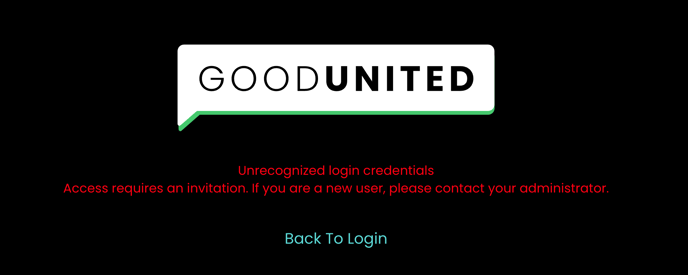
Errors Logging In: If you see the image below when attempting to log in, try opening the website in an incognito window or clearing your browser’s cookies/cache. This may resolve login issues.
Please note that access invites should be used within 24 hours. If the invite expires, the credentials become invalid, and a new invite should be sent. If you need a new invite to be sent, please reach out to the CSM.